LED Strip Studio 4
Powerful LED Mapping Software
Design, map, and control pixel LEDs for shows, installations, and interactive projects on your Windows PC or macOS.

Featured In These Projects
LED Strip Studio 4
Everything you need to map and run pixel LEDs
LSS4 covers every stage of the pixel LED workflow — from initial mapping and content creation to live performance and installation handoff.

Curved Segment Drawing
Draw straight or curved LED segments using familiar vector-style tools.
Learn More →
Advanced Grid Patterns
Use circular, radial, and custom grids for precise segment alignment.
Learn More →
Client Visualization
Preview LED segments on venue images or videos before installation.
Learn More →
Practical Window Layouts
Switch between optimized workspace layouts for different tasks.
Learn More →
Video Player
Play video at any speed across your LED installation.
Learn More →
Effect Creation
Build multi-color animations using lines, shapes, and custom palettes.
Learn More →
Advanced Strip Scenes
Create pixel animations for LED strips and define colors per section.
Learn More →
Layered Scenes
Stack multiple scenes with transparency for complex visuals.
Learn More →
Music Synchronization Timeline
Import audio and sync effects precisely to the music.
Learn More →
Advanced Show Event Editor
Build multi-color animations using lines, shapes, and custom palettes.
Learn More →
Unlimited Show Tracks
Layer multiple scenes with independent timeline control.
Learn More →
MIDI MTC Synchronization
Sync shows with external players and stage equipment via MIDI.
Learn More →LED Strip Studio 4
Integration & Hardware
LSS4 connects your LED installation to controllers, hardware, and external tools — from desktop capture to standalone playback.

Screen Grabbing
Capture your desktop or external software and send it to LEDs.
Learn More →
Export to SD Card
Export scenes and animations for standalone LED playback.
Learn More →
IC Chip Support
Supports 80+ LED chip types: APA, WS, TM and more.
Learn More →
Live Control
Safe touchscreen interface for quick scene selection.
Learn More →LED Strip Studio 4
Performance & Workflow
High performance, designed for real workflows. Control large LED installations with speed, stability, and flexibility.

Native macOS Support
A native Mac app built for large-scale LED control.
Learn More →
64-Bit High Performance Core
Smooth rendering with 200,000+ RGB pixels.
Learn More →
Easy Workspace Transfer
Create anywhere — deploy instantly.
Learn More →
Practical Window Layouts
Switch views instantly without rearranging panels.
Learn More →LED Strip Studio 4
One Workspace, Every Tool You Need
Everything you need to build, preview, and run a show lives in a single window — no switching between apps or panels mid-build.

Main Menu (Ribbon)
Quick access to scenes, shows, mapping tools, and workspace settings — everything organized in one ribbon at the top.
Preview
Watch your show render live as you build it, right inside the editor — no separate preview window needed.
Banks and Scenes
Organize animations and effects into banks so you can switch and recall them instantly during a show.
Live Settings
Adjust brightness, speed, fade duration, and color in real time while your show is running.
Shows
Build and sequence your full timeline, scene by scene, with precise timing control.
LED Strip Studio 4
System Requirements
Lightweight enough for most modern computers. The recommended specs are mainly relevant for large installations with high-res video content.
Compatibility
Compatible With Controllers From LED Strip Studio
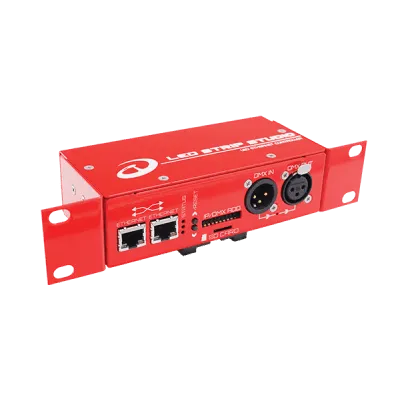
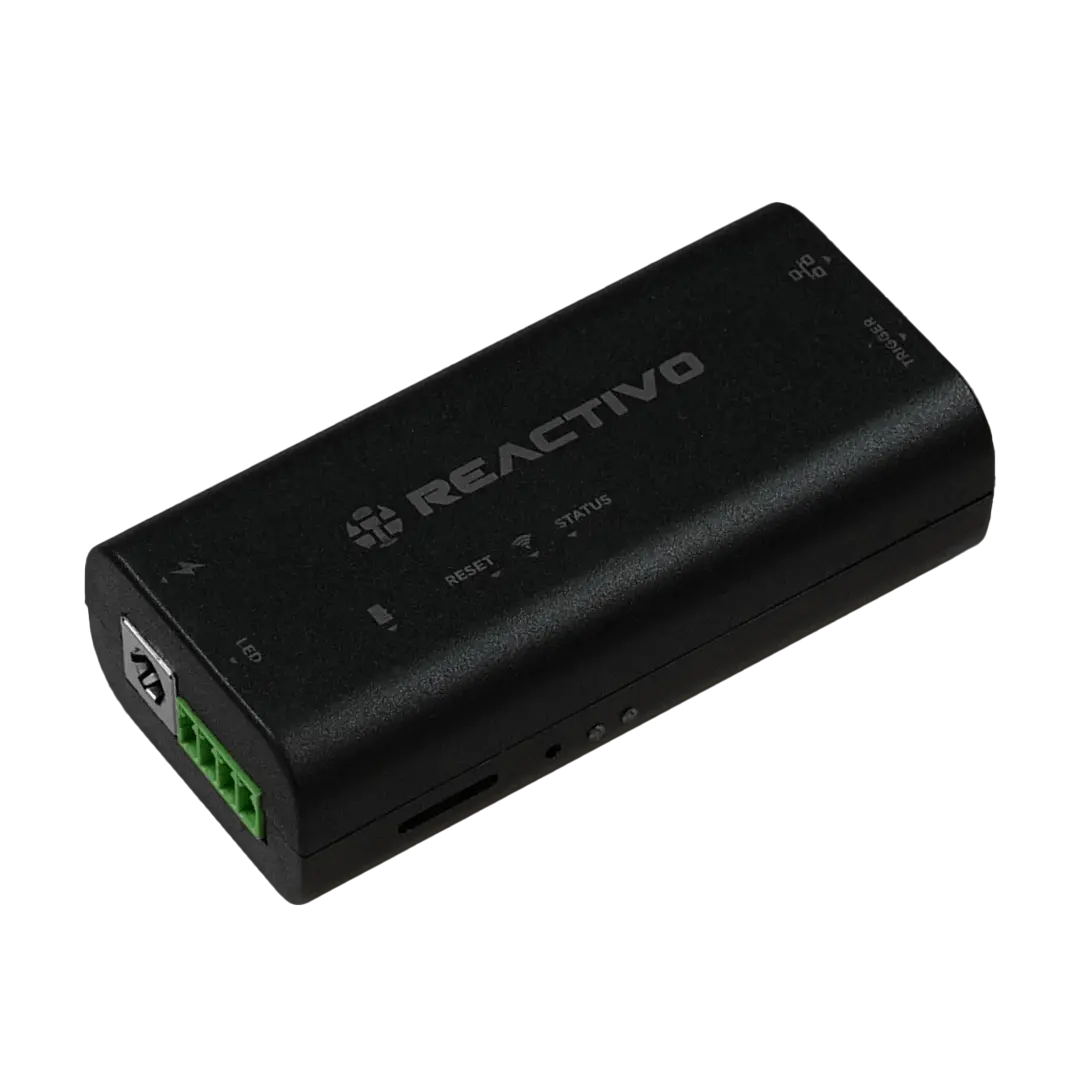
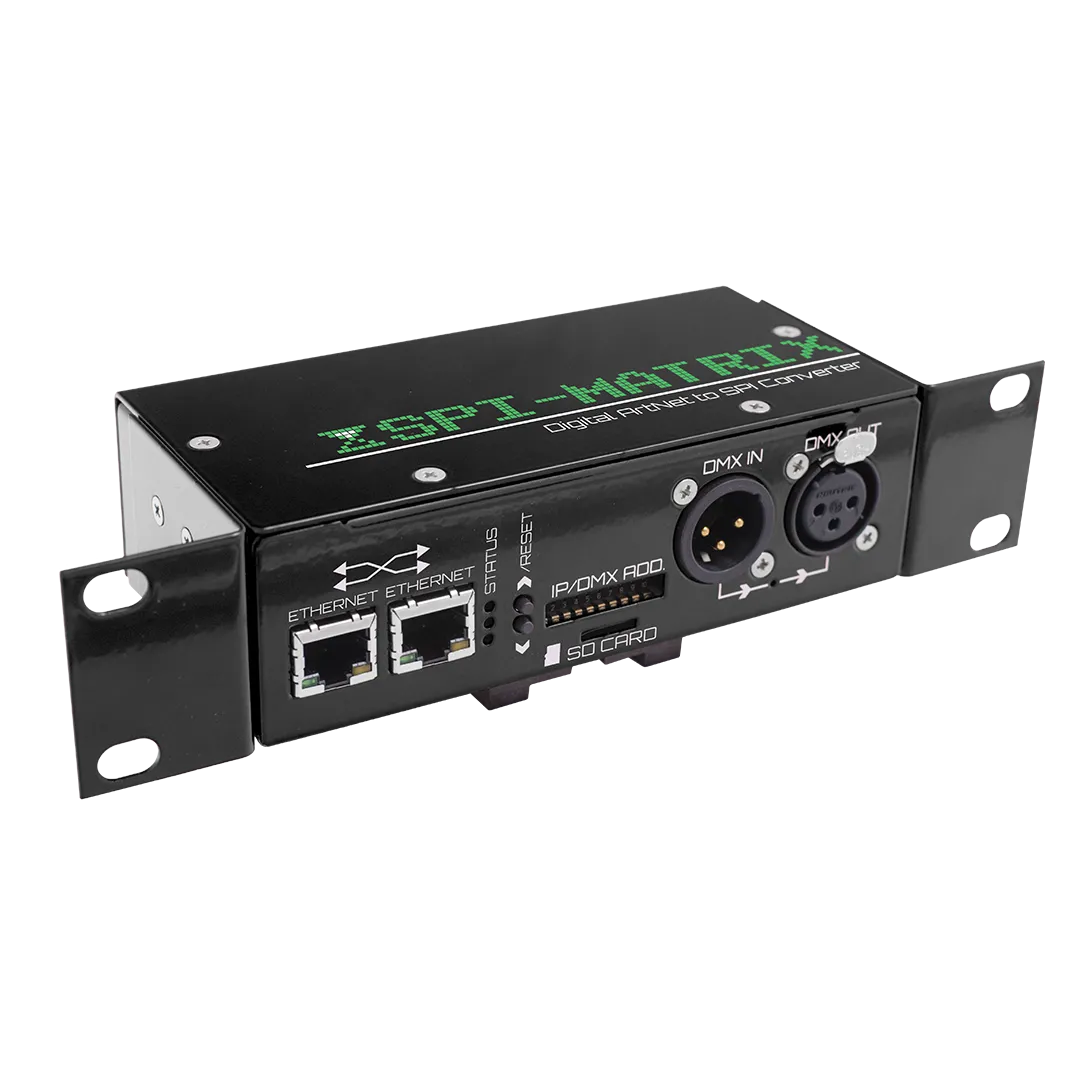
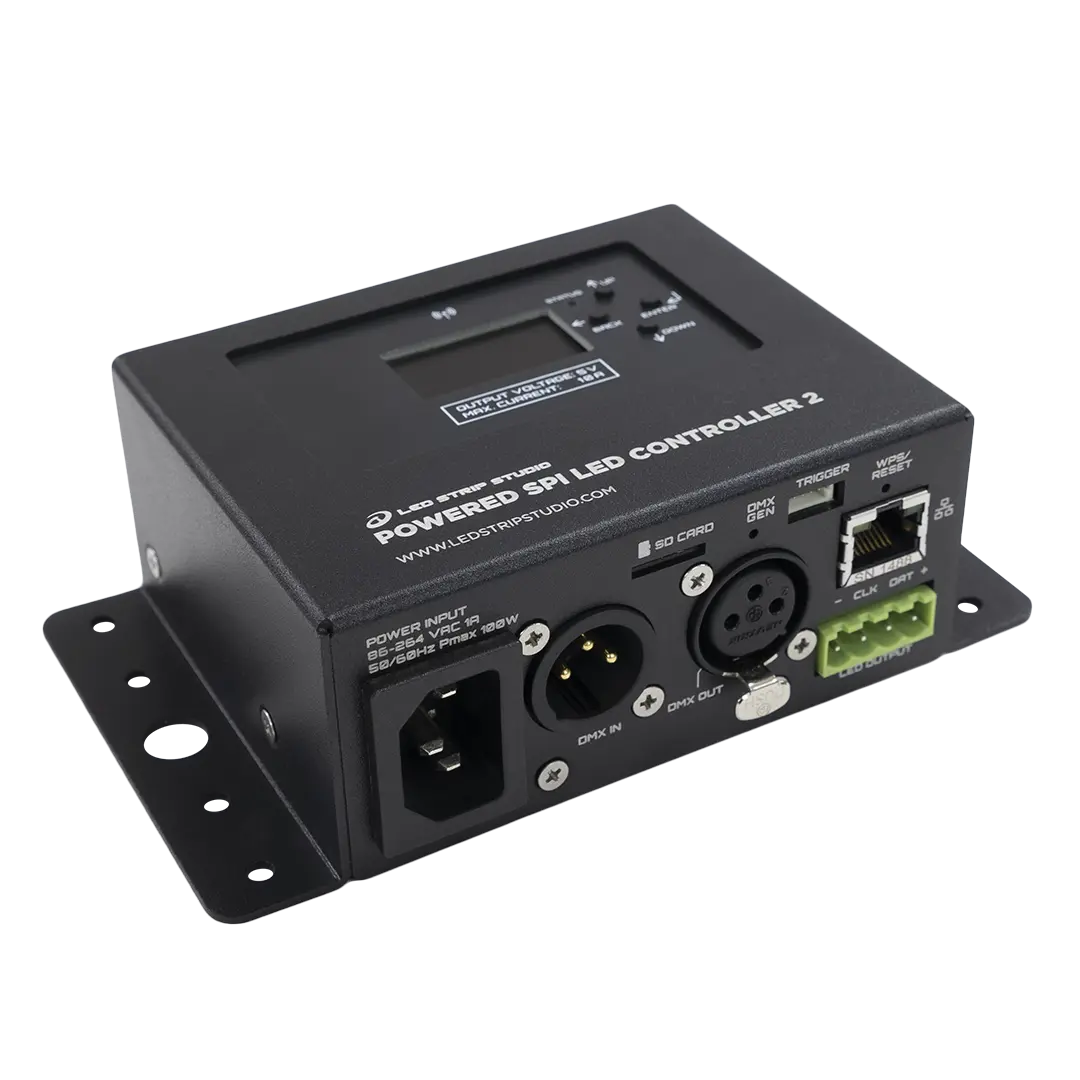
LED Strip Studio 4 is fully compatible with our LED controllers – REACTIVO 2, SPI MATRIX, LEC 3, and POWERED SPI LED 2, providing seamless integration and allowing you to easily manage and customize your lighting experience.


LED Strip Studio 4
FAQ
LED pixel mapping software lets you design your LED layout digitally and map video or animations to each pixel. LSS4 handles layout design, content playback, show synchronization, and exporting programs to hardware. More in Create pixel LED mapping — Tutorials.
Yes. LSS4 runs natively on macOS with full Apple Silicon (M1/M2+) support and also works on Windows 10/11 (64-bit). Project files are compatible across both platforms. More in Native macOS and Apple Silicon Support.
LSS4 can smoothly run 200,000+ RGB pixels, with performance scaling based on your hardware. More in 64-Bit Performance Core in LSS4.
Yes. LSS4 supports internal clock, music sync (.wav/.mp3), and MIDI MTC for external timecode synchronization. More in Synchronization – Shows.
LSS4 supports 80+ LED chip types, including APA102, WS2811, WS2812, SK6812, TM1809, and more. Data is sent to the LEC3 controller, which converts it for the specific chip. More in 80+ LED IC Chips Supported in LSS4.
See LED Strip Studio in Action
Book a free consultation and we'll show you how LED Strip Studio 4 fits your project.
Book a Free Consultation →